Emplora
Mobile App / Enterprise HR

Humanizing the
Enterprise Experience

A mobile-first employee management system designed around people, not processes — bringing clarity, speed, and dignity to everyday HR workflows.

Role UI/UX Designer (Concept)
Timeline 2024
Category Mobile App / Enterprise HR
Platform iOS / Android
Attendance 95%
38 / 40 present
Live
Headcount
40
Active employees +2 this mo.
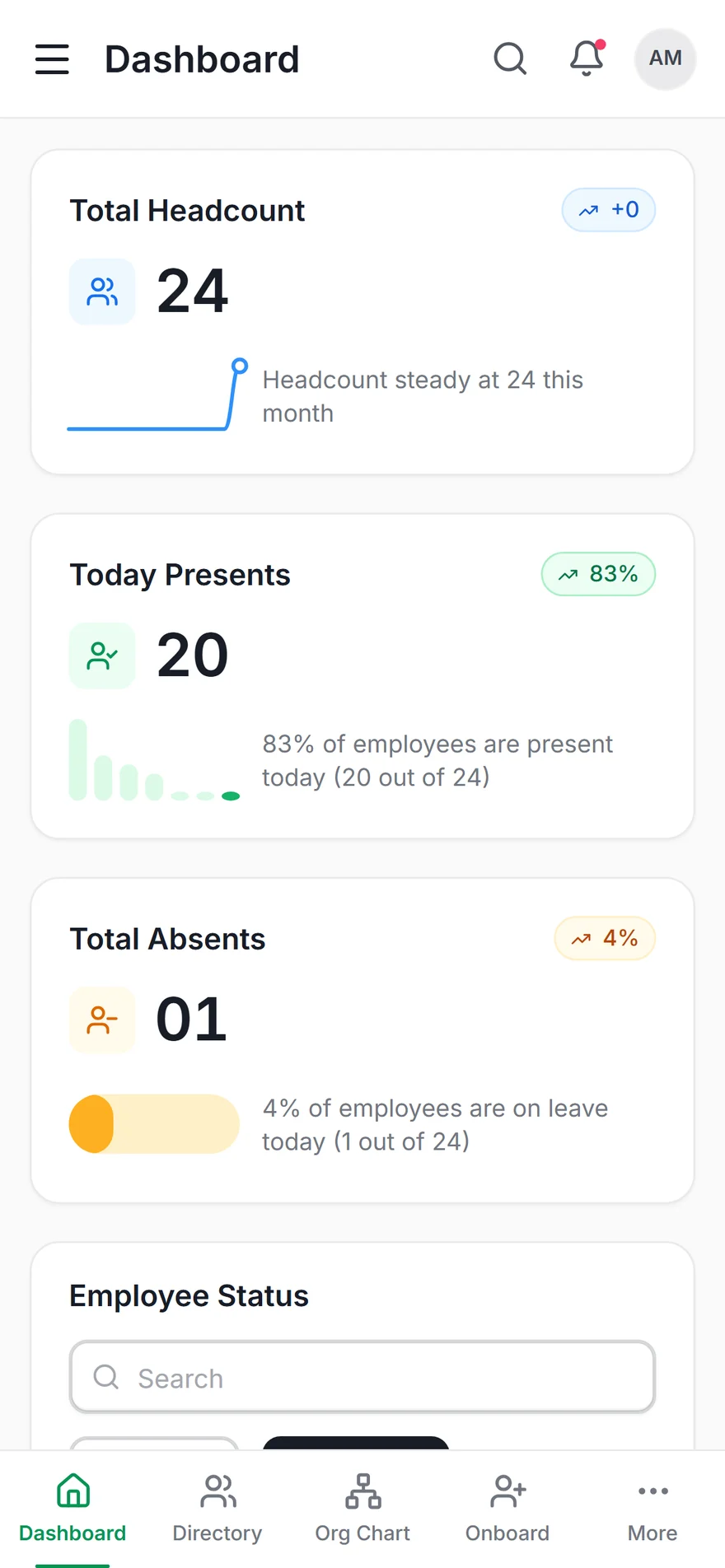
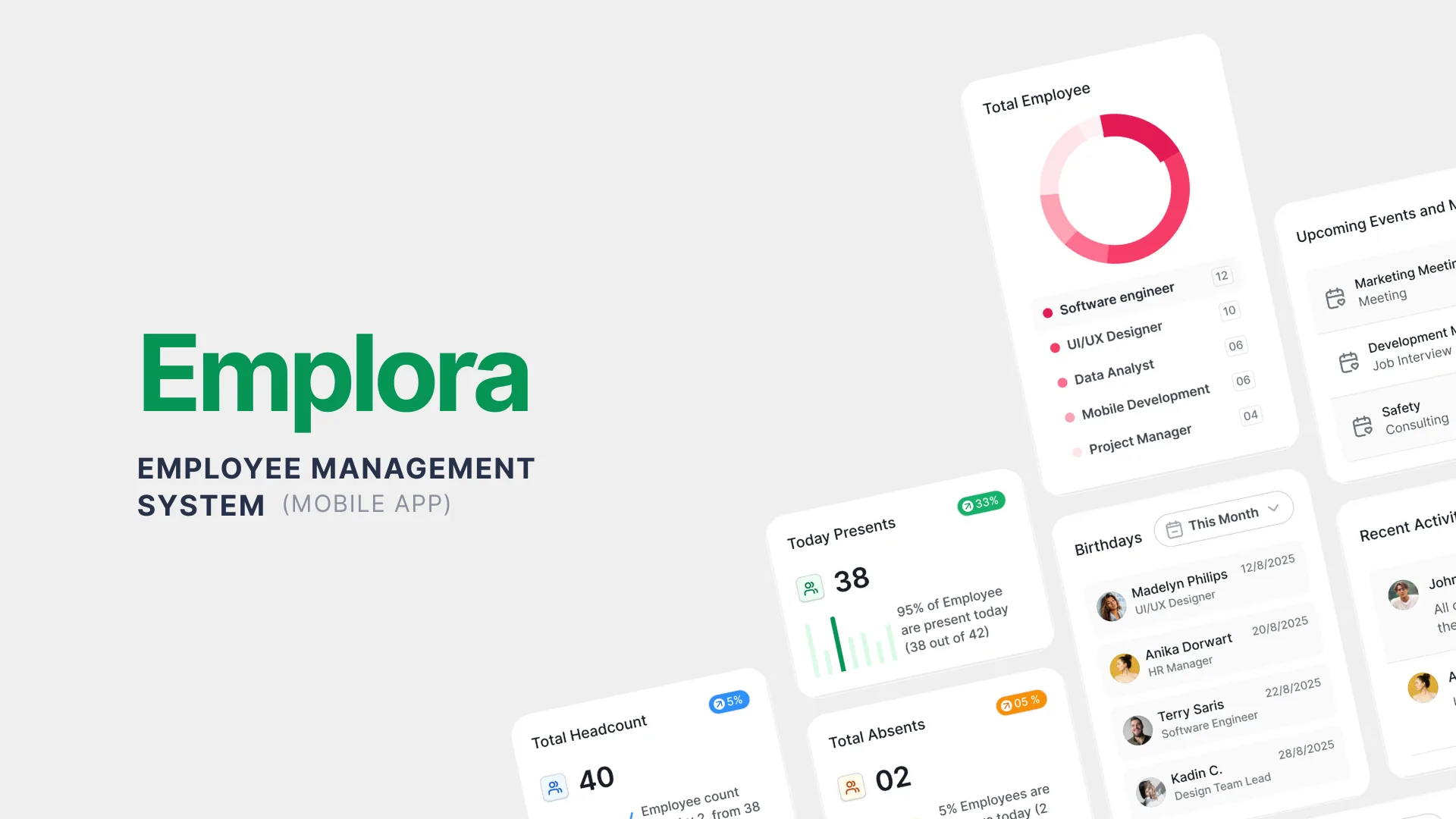
Emplora HR dashboard
0 Core Modules
0 User Roles
0 Task Completion
0 Leave Application

The Problem

HR built for admins,
not for people

Enterprise HR systems were designed for HR administrators, not for the employees who used them daily. The result: low adoption rates, high support ticket volumes, and frustrated employees who felt managed rather than empowered.

The Opportunity

There was a clear gap between the tools HR departments had and the experience employees actually deserved. Simple tasks — submitting leave, checking a payslip, viewing attendance — were buried under workflows designed for backend administrators.

Emplora's mission was to flip that. Design from the employee outward. Make every common task feel effortless, and let the HR admin complexity stay invisible until it was actually needed.

Employee-First Design Role-Adaptive UI Mobile HR Enterprise UX
Research Insights
01 / 03

The Admin-First Trap

Legacy HR systems were optimized for HR admin workflows, making simple employee tasks — submitting leave, checking payslips — require 7 or more taps. Employee frustration was baked in by design.

02 / 03

Information Overload

HR apps displayed raw data from backend systems without curation. Employees saw everything, which meant they found nothing relevant. The signal was buried in system noise.

03 / 03

Role Disconnect

Employees, managers, and HR admins had fundamentally different mental models of what "the HR app" should do. One interface trying to serve all three failed all three — a classic one-size-fits-none failure.


02 — User Research

User Persona & Goals

Understanding who we design for — their motivations, goals, and pain points.

👤
Nisha Kapoor
HR Manager, 35
  • Track attendance across teams in real time
  • Automate leave approvals to reduce delays
  • Generate payroll reports without manual effort
  • Manual spreadsheet tracking is error-prone and time-consuming
  • Fragmented HR tools that don't talk to each other
🧑
Arjun Singh
Team Lead, 28
  • View team schedules and availability at a glance
  • Approve leave requests quickly from mobile
  • Track project hours across the team
  • No real-time visibility into team availability
  • Approval delays frustrate his direct reports
👩
Meera Rao
Employee, 24
  • Apply for leave directly from her phone
  • Track payslips and salary breakdowns easily
  • View the team calendar without calling HR
  • Complex desktop-only HR portal is unusable on mobile
  • Slow approval responses with no status visibility

03 — Business Challenges

Core Challenges

The structural problems blocking efficient HR operations across the organisation.

📊

Manual Spreadsheet Dependency

72% of HR tasks still rely on manual spreadsheets, introducing compounding errors and wasting hours that should be spent on people, not data entry.

🔗

Fragmented HR Ecosystem

Attendance, payroll, leave, and communication tools are siloed across multiple disconnected platforms with no unified source of truth.

📱

No Mobile Accessibility

68% of employees prefer mobile HR access, but existing tools are desktop-only — locking employees out of self-service when they need it most.

📉

Poor Data Visibility

Managers and HR teams make decisions on stale data. Without real-time dashboards, attendance anomalies and leave conflicts go undetected until it's too late.


04 — Secondary Research

Market Insights

HR Automation
72%
HR Tasks Still Manual
Despite enterprise digitisation, nearly three-quarters of HR tasks are still completed manually — representing a massive opportunity for workflow automation.
Leave Management
4.5 days
Average Leave Approval Time
The industry average approval cycle is 4.5 days. Employees waiting this long report significantly lower satisfaction with HR processes and management responsiveness.
Employee Preference
68%
Prefer Mobile HR Access
68% of employees want to access HR services from their mobile device — but most enterprise HR platforms remain designed exclusively for desktop browsers.

05 — User Stories

What Users Need

As a... I want to... So that... Priority
HR Manager View real-time attendance across all teams from one dashboard I can identify absences and issues without checking multiple systems High
Team Lead Approve or decline leave requests in one tap with full context My team gets timely responses and I have the information I need to decide High
Employee Apply for leave from my phone in three taps or fewer I don't have to sit at a desktop or call HR for a simple request High
Admin Generate payroll reports automatically at month-end Finance gets accurate numbers without manual reconciliation work Medium
Finance Head Access integrated payroll and attendance data in one view I can validate payroll against attendance without cross-referencing multiple spreadsheets Medium

06 — Competitor Analysis

Market Landscape

Feature BambooHR Darwinbox Keka Emplora
Mobile App ~ ~
Leave Automation
Attendance Tracking ~
Payroll Integration
Real-time Notifications ~ ~
Analytics Dashboard ~

07 — User Flow

The Journey

01
Login
Biometric or PIN authentication with role-adaptive landing experience
02
Dashboard
Personalised home screen showing "My Day" — relevant metrics for each role
03
Select Action
Quick-access cards for Leave, Attendance, or Payroll — the three most common tasks
04
Submit / Review
Employee submits request or manager reviews with contextual team data
05
Notification
Real-time push notifications keep all parties informed of status changes instantly
06
Approval
One-tap approval or decline with automatic update to attendance and payroll records

08 — Toolkits

Tools & Workflow

The tools and methods used throughout the design process.

🎨
Figma
UI Design & Component Library
✏️
Adobe Illustrator
Icon & Illustration System
🧪
Maze
Usability Testing & Validation
📋
Notion
Research Documentation & Specs
🔧
Zeplin
Design Handoff & Developer Specs

Design Process

From confusion
to workflow clarity

A five-phase process grounded in role-based user research — because a system built for three distinct users must start by truly understanding all three.

01
User Role Mapping

Deep-dive persona work across all three user roles: employee, manager, and HR admin. Mapped the distinct mental models, daily goals, and friction points for each.

Deliverables: 3 distinct personas, role-based pain point hierarchy.

02
Jobs-to-be-Done Framework

Translated persona insights into a JTBD canvas. Identified what each role was truly trying to accomplish — functional, emotional, and social jobs — not just feature requests.

Deliverables: JTBD canvas per role, feature priority matrix.

03
Mobile-First IA

Designed information architecture mobile-first — starting from what fits in a thumb-reach zone and building up. Role-adaptive navigation meant each user only ever saw what was relevant to them.

Deliverables: IA diagrams, role-branching user flow maps.

04
UI Design System

Built a mobile design system from scratch: sky/violet palette, 8px grid, role-based component variants, and a comprehensive HR-specific component library covering all 8 modules.

Deliverables: Component library, design tokens, icon set.

05
Prototype & Testing

High-fidelity prototypes tested with representative users from all three roles. Task-completion rate measured against industry benchmark flows — validating the 3-tap leave application target.

Deliverables: Tested prototype, usability findings, iteration log.


Final Design

An app that knows
who you are

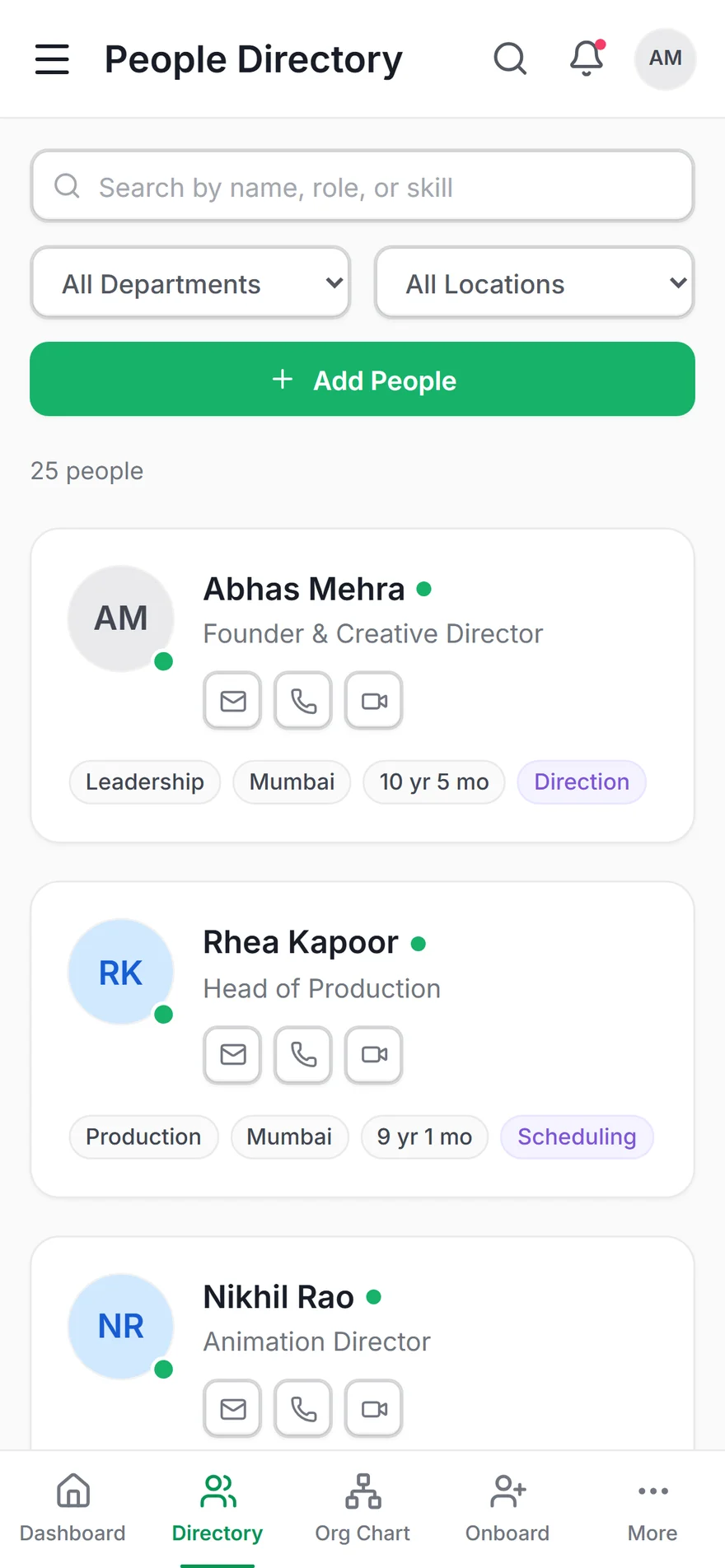
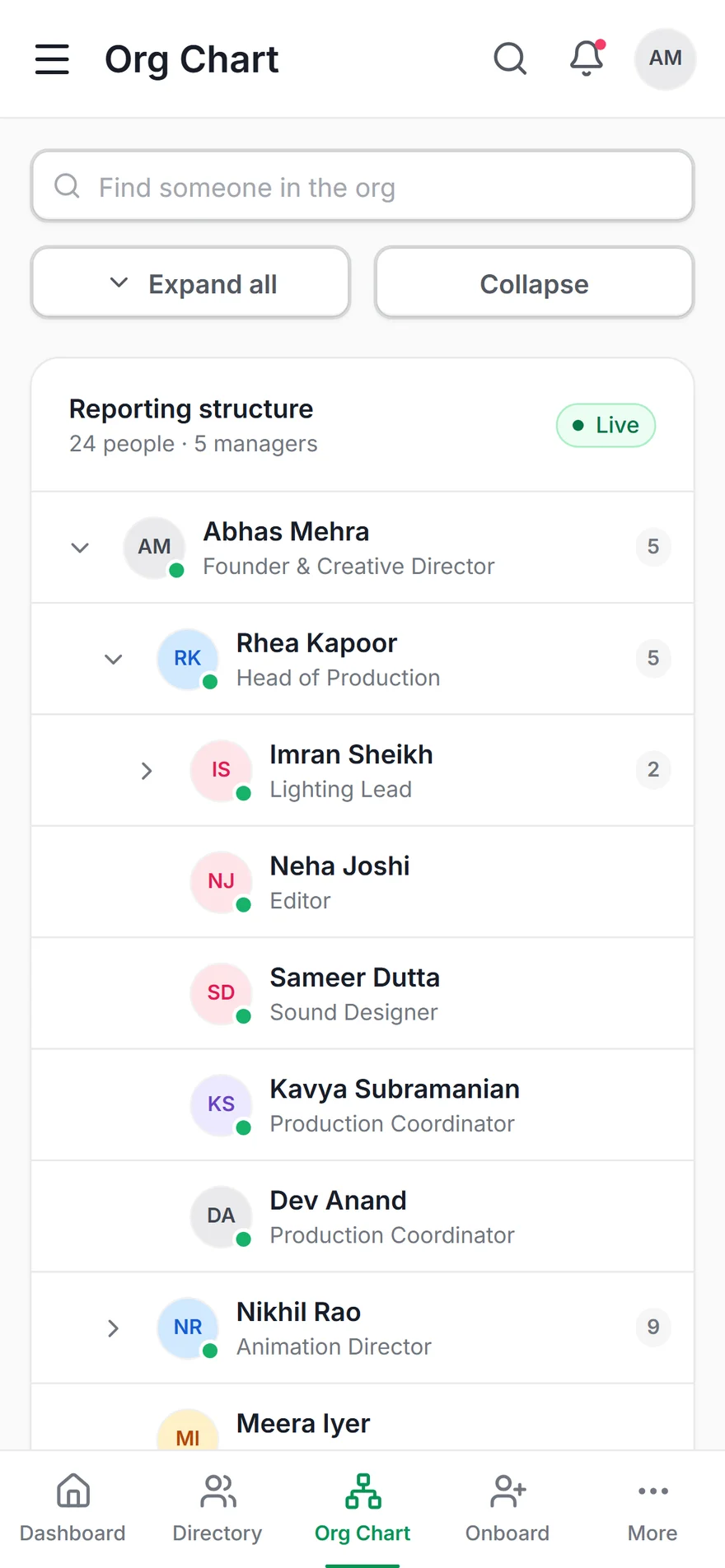
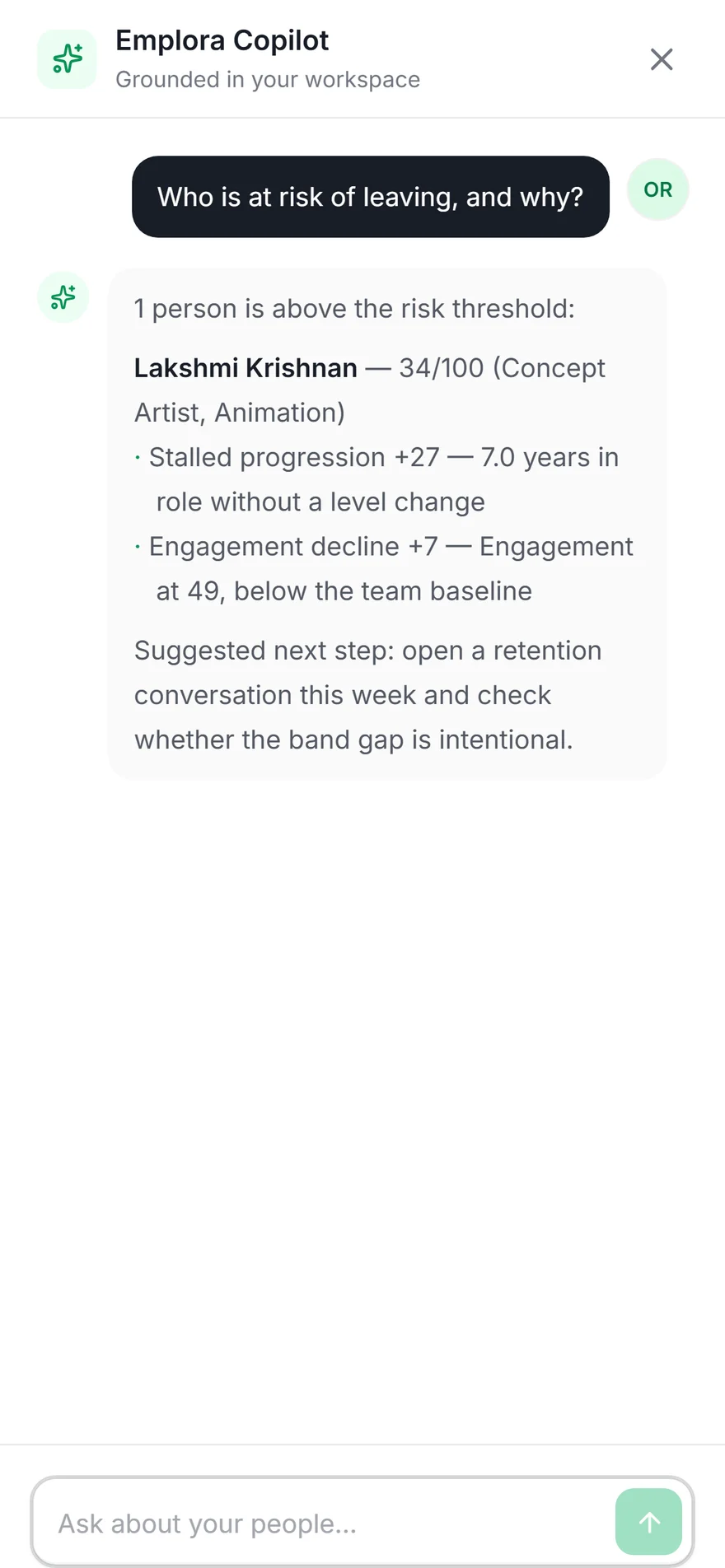
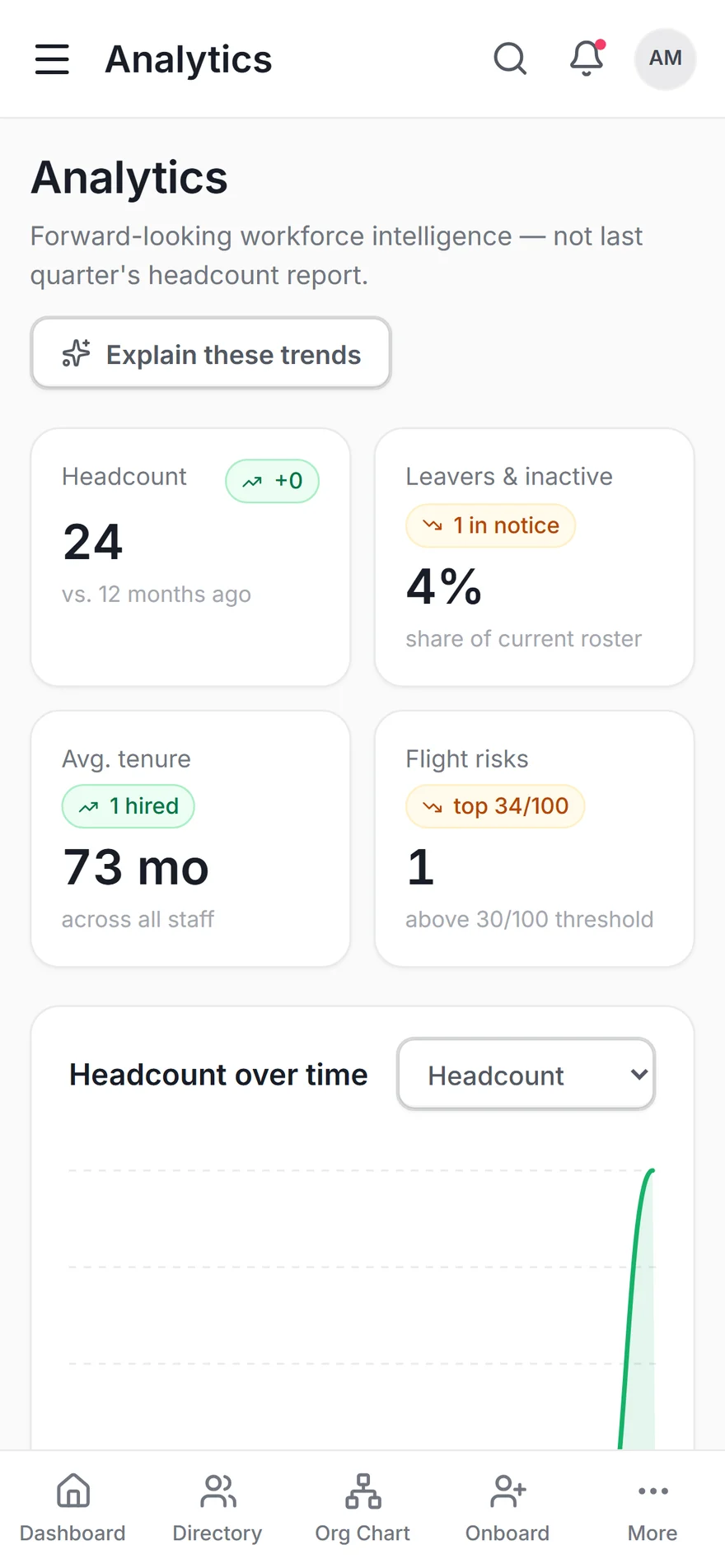
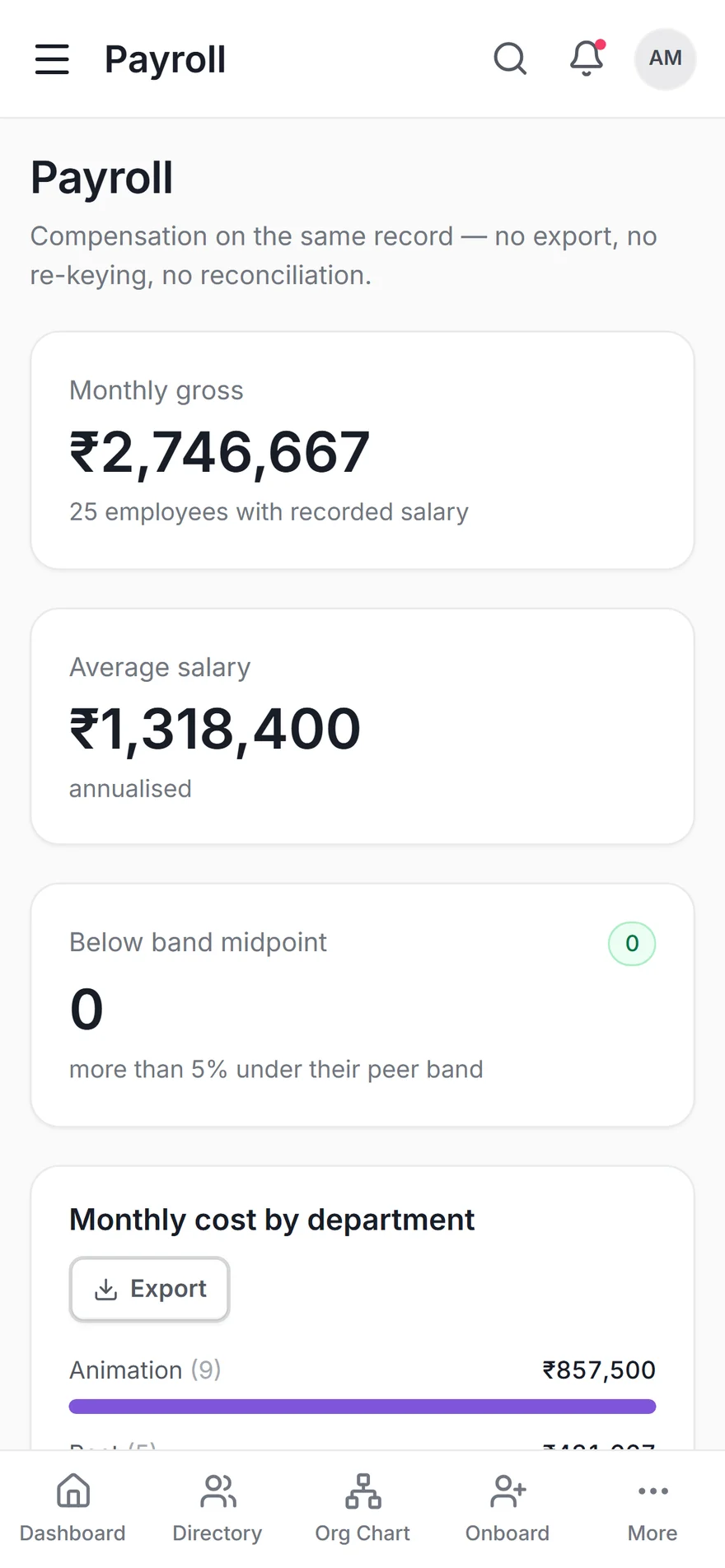
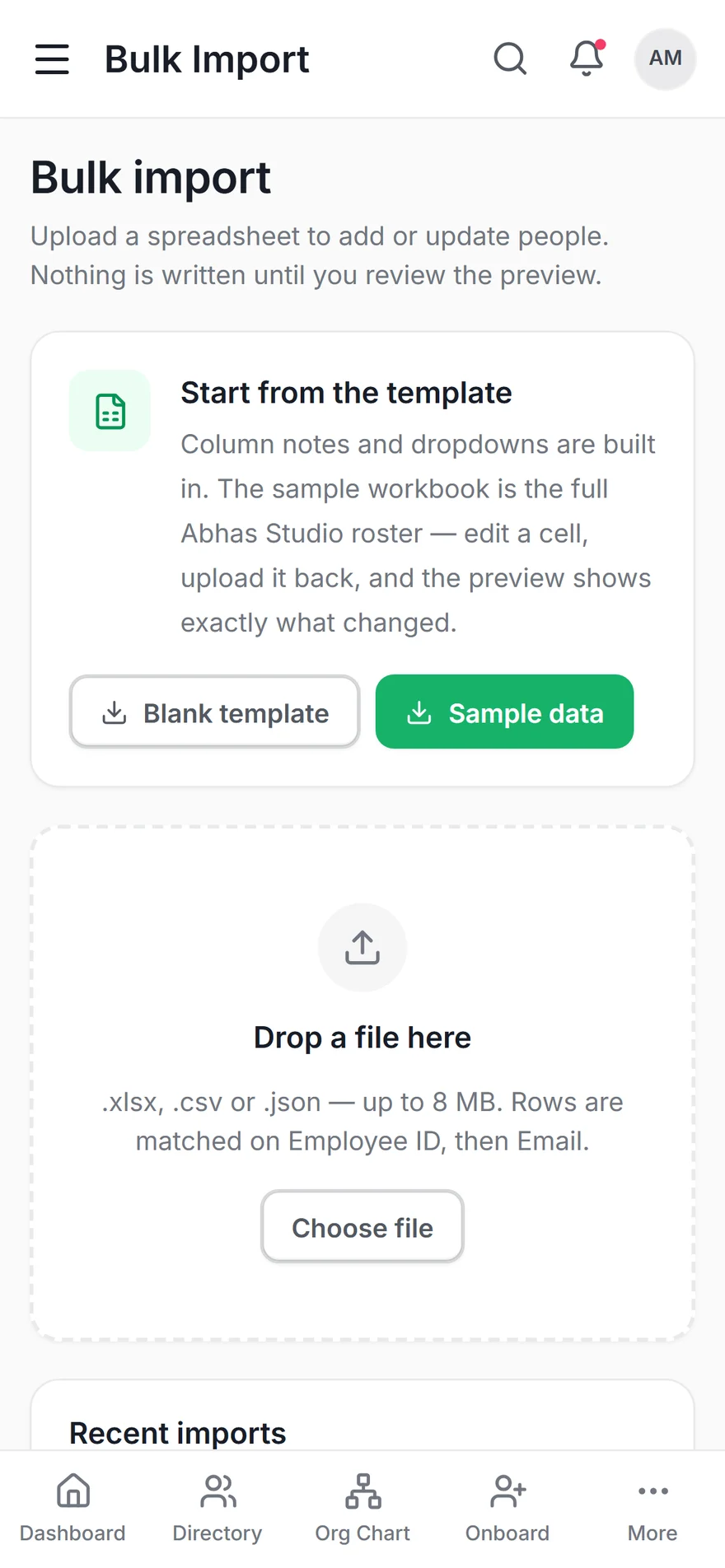
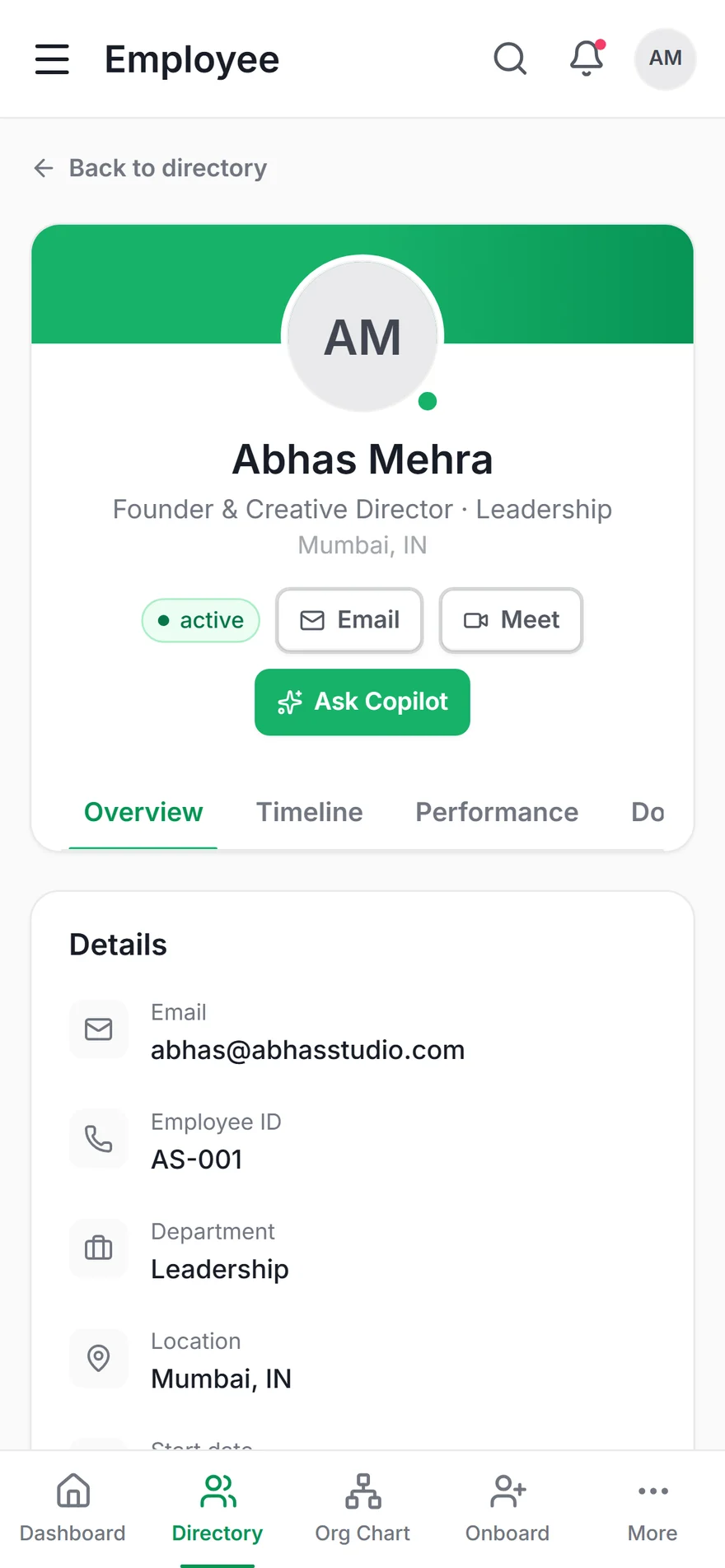
Role-adaptive interfaces mean employees see their day, managers see their team, and HR sees the organization — all from the same product, each experience precisely right-sized.

behance.net/gallery/234363557/Emplora
Emplora — Main View

Emplora — HR Management Platform

Emplora — Screen 2
Emplora — Screen 3
Emplora — Screen 4
Design Decisions

Built for the
human at work

Role-Adaptive Interface

A completely different home dashboard for employees, managers, and HR admins — driven by role detection at login, not settings menus.

"My Day" Smart Summary

Leave balance, pending tasks, and key announcements — all in a single glance at the top of the screen. No digging required.

3-Tap Leave Application

Reduced from 12 taps (industry average) to just 3. Select leave type, pick dates, confirm. Done. Respects the employee's time at every step.

Manager Approval with Context

When a manager reviews a leave request, they see the employee's recent history, team coverage, and pending count — all the context needed to decide confidently in one screen.

Design System

Enterprise clarity,
human warmth

Color Tokens
--accent (Sky) #22c55e
--accent-sec (Violet) #7c3aed
--bg #040a06
--bg2 #060f08
--teal (Attendance) #2dd4bf
Role Components
Employee Manager HR Admin Pending Approved
Mobile Type Scale
28px Display — Screen Title
18px Section Header
14px Body — Card content and descriptions
11px LABEL / CAPTION
3 Role Experiences
Employee Self-service, daily summary, leave & payslip
Manager Team view, approvals, contextual history
HR Admin Organization view, policy, payroll, reports

Measured Outcomes

Fewer taps,
more humanity

Usability testing validated the core thesis: when enterprise apps put the employee first, every metric improves — completion rates, time on task, and satisfaction alike.

0
Task Completion Rate

Improvement in usability test task completion vs. baseline HR apps.

0
Leave Application

Down from an industry average of 12 taps. A 75% reduction in effort.

0
Complete HR Modules

Fully designed: Leave, Payslip, Attendance, Approvals, Directory, Tasks, Notices, Profile.

0
Role Experiences

Distinct, purpose-built interfaces for employees, managers, and HR admins.


"Emplora forced me to confront a fundamental design question: who is this product actually for? Once I prioritised the employee experience over the HR administrator's workflow, every design decision became clearer. Good enterprise UX is about respecting people's time and intelligence."

Rupesh Chavan — UI/UX Designer